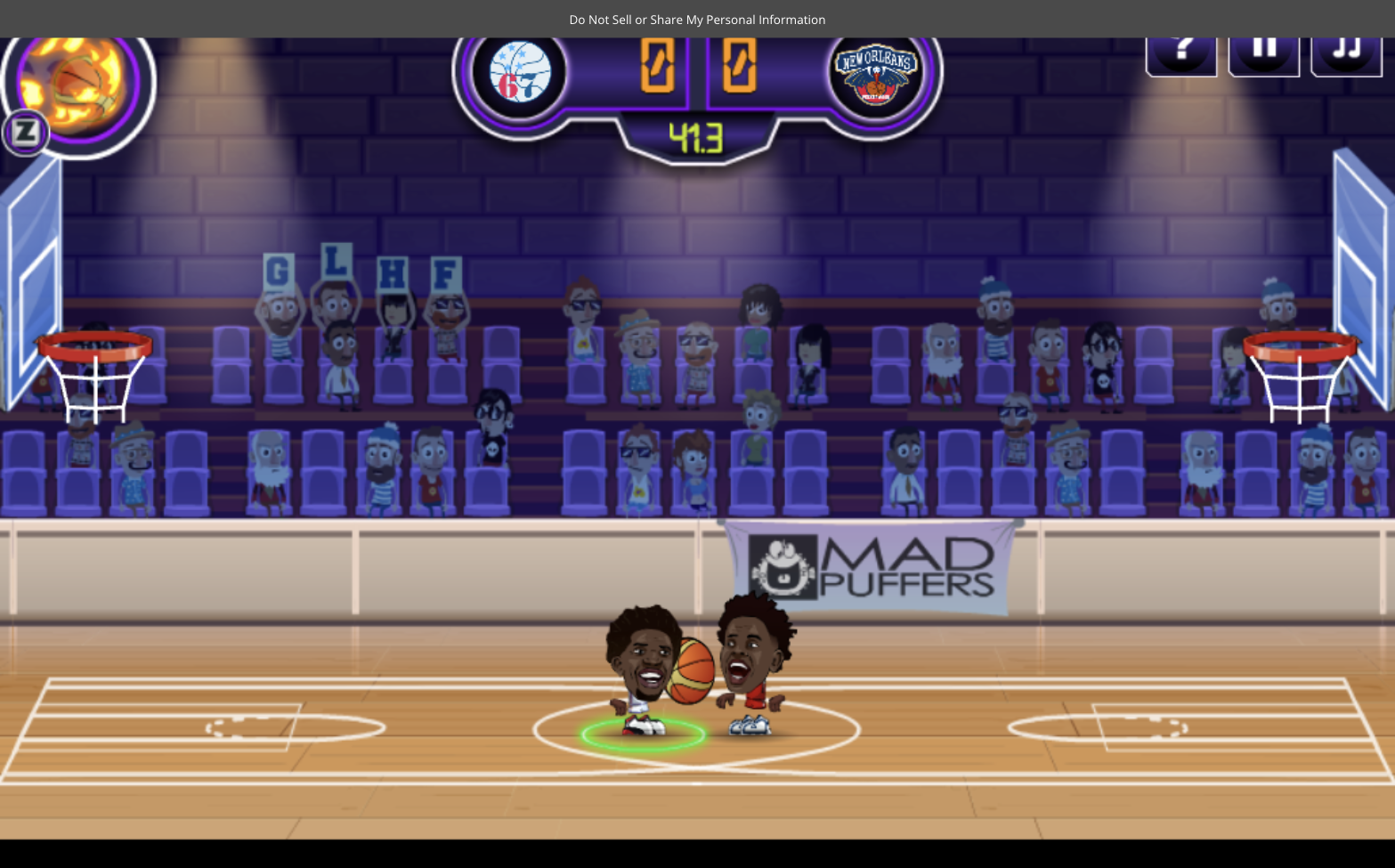
Basketball Stars
Start with the original MadPuffers game. The current menu includes a 2 PLAYERS option; manual match entry on this Playgama build still awaits verification.
Basketball Stars 2 playerBasketball Games › 2 Player Basketball Games
SHARE A KEYBOARD · CHOOSE A MATCHUP
Choose Basketball Stars or Basketball Legends, then check the local multiplayer menu and the controls for the version you are playing.
This collection currently contains two MadPuffers titles. Both expose a local two-player menu, but our site-specific tests have not yet confirmed a complete two-person match on either build. The links take you to the actual game pages and their version notes.
Start with the original MadPuffers game. The current menu includes a 2 PLAYERS option; manual match entry on this Playgama build still awaits verification.
Basketball Stars 2 player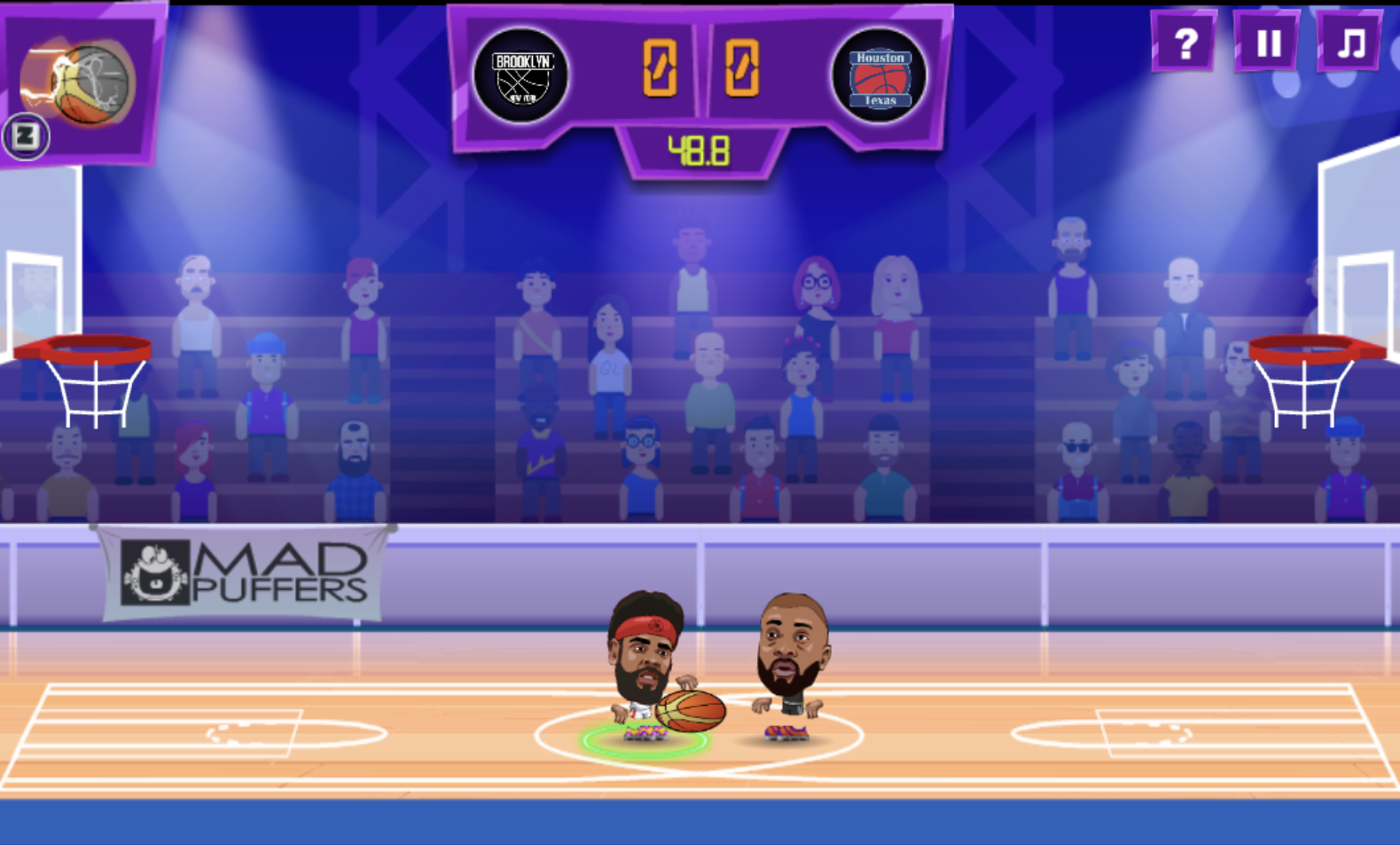
Choose the 2020 game for another arcade matchup. A solo match works in this site’s frame; the local two-person keyboard test remains open.
Basketball Legends 2 playerLocal play puts both people on one device. Before choosing teams, place the screen where both players can see the court and read the selected mode’s help diagram together. One person can test movement while the other watches, then swap. This avoids confusing a wrong key assignment with a broken game.
| Before a match | What to check |
|---|---|
| Game version | Use the controls on the selected game page, then compare them with the in-game help. |
| Input focus | Click inside the game after any menu, advertisement or resume prompt is dismissed. |
| Two control sets | The saved help uses arrows/Z/X and WASD/K/L; player assignment still needs a shared-keyboard test. |
| Simultaneous keys | If separate movement works but held keys fail together, try a different key sequence or keyboard. This is a check, not a diagnosis of your device. |
Keep the Basketball Stars controls or Basketball Legends controls visible until each person knows their own set.
“Play online” on this site means that the game loads over the internet in a browser. “2 player” refers to the local shared-device option we observed. This site does not provide a remote matchmaking service, room code or invite link. If you and a friend are on different computers, the local menu is not evidence of a way to connect them.
Some distribution pages describe 1v1, 2v2 and co-op variants. Available choices and controls depend on the build. Check the game you have opened rather than assuming that a screenshot from a different portal applies.
Both game pages provide a local two-player menu and browser access notes, rather than a separate “unblocked” edition. The word does not guarantee access on a managed network. A game can need resources from its distributor even when this collection page opens.
Choose a permitted connection, then use Basketball Stars unblocked or Basketball Legends unblocked notes to identify the version and load path. Shared-keyboard operation is still awaiting a two-person test here.
A small phone screen may display this site correctly while still lacking usable shared-keyboard input. Mobile play remains untested here. If your goal is solo play, go back to basketball games and choose a quick match instead.
Game information: Playgama two-player collection. Controls and version-specific limitations are checked against our own saved game screens; another portal’s build may behave differently.